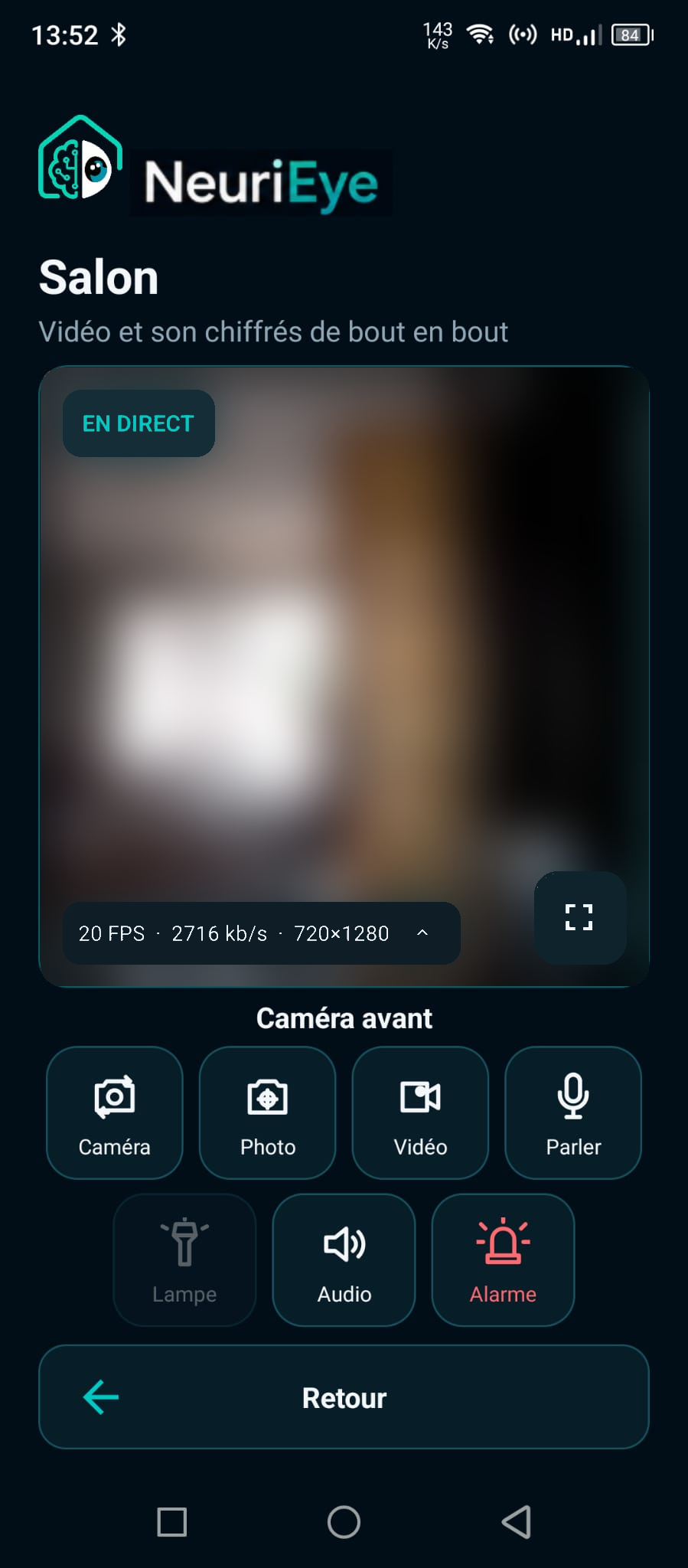
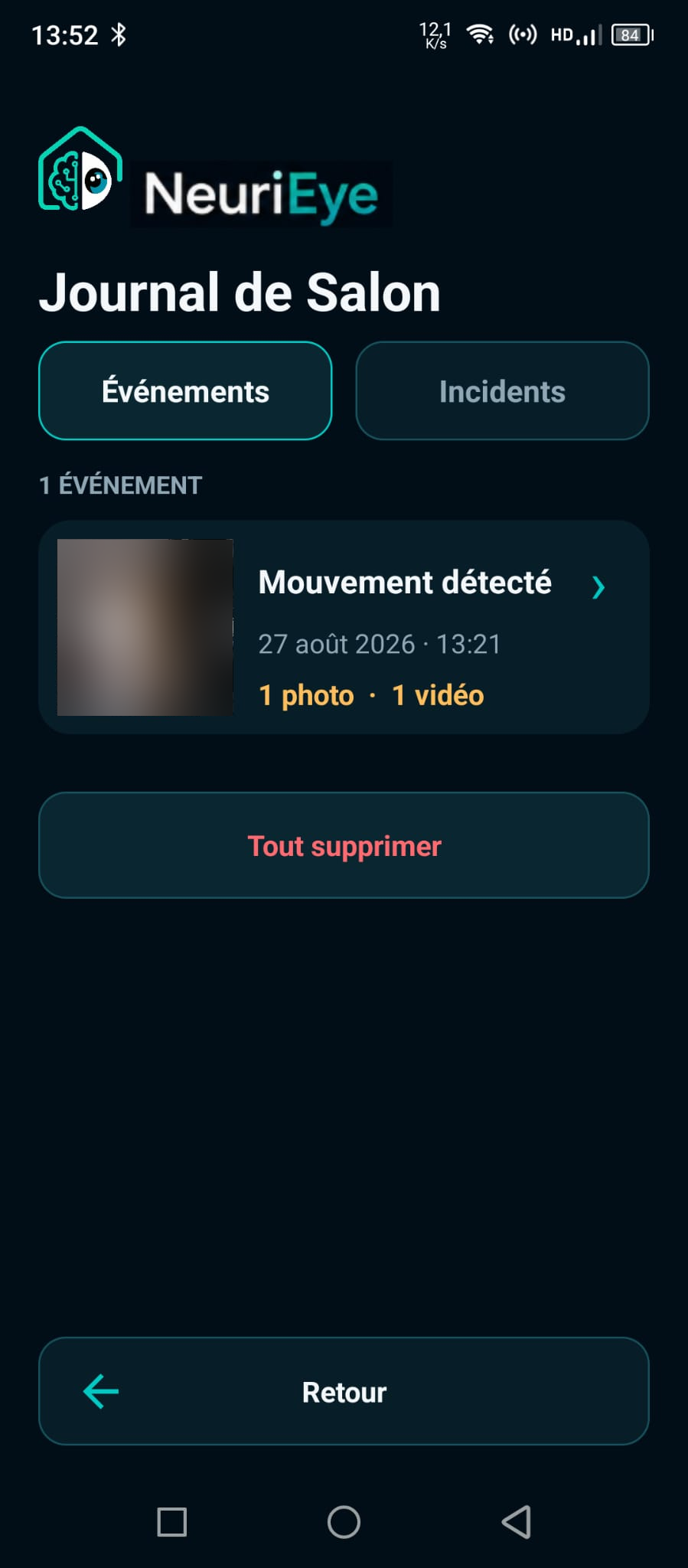
Something moved? You’ll know.
Motion detection and a notification help you check what happened.
 NeuriEye
Give your old Android a new purpose
Turn an old Android phone into a security camera. Get alerts for different detections and events, and watch the live feed from your main phone.
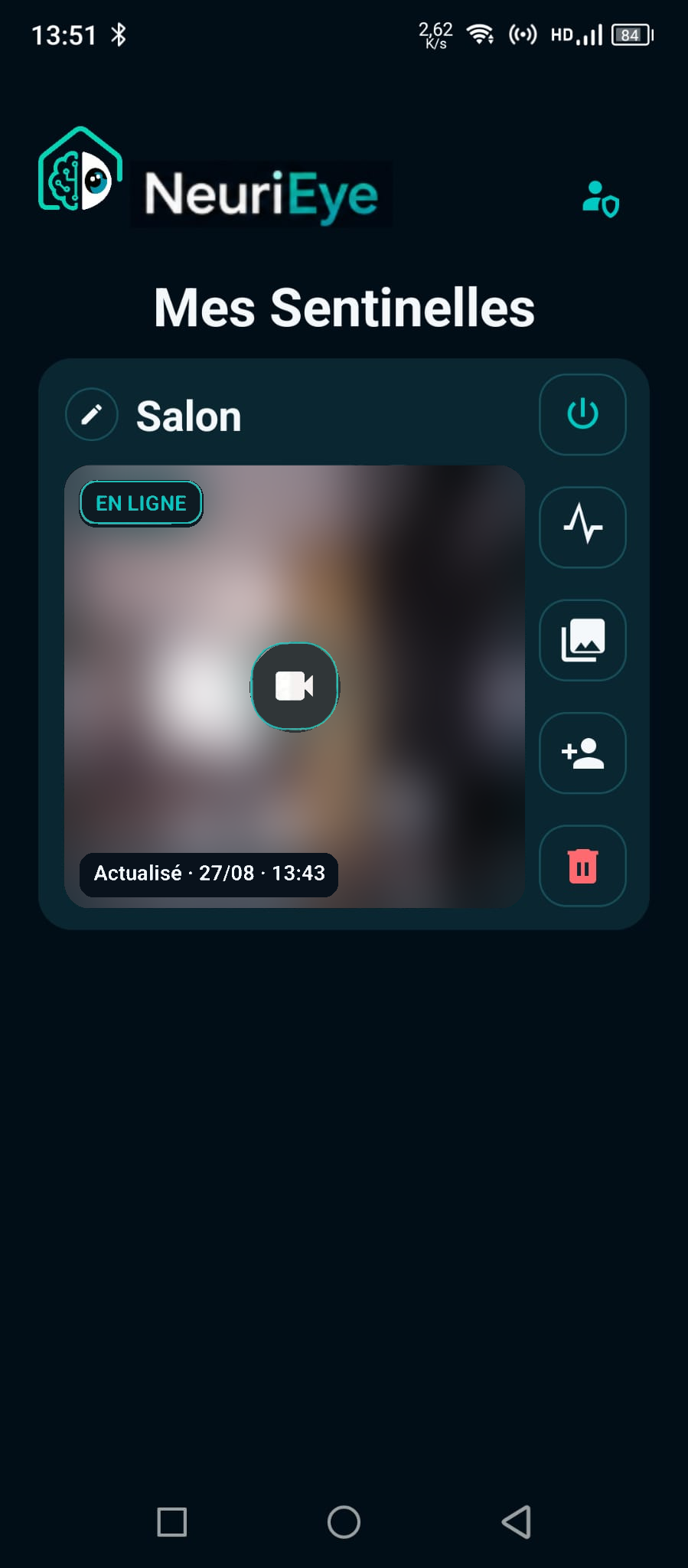
Keep an eye on what matters
Motion detection and a notification help you check what happened.
Optional PreBuffer keeps the five seconds before a detection.
Watch, listen and talk remotely from your main phone.
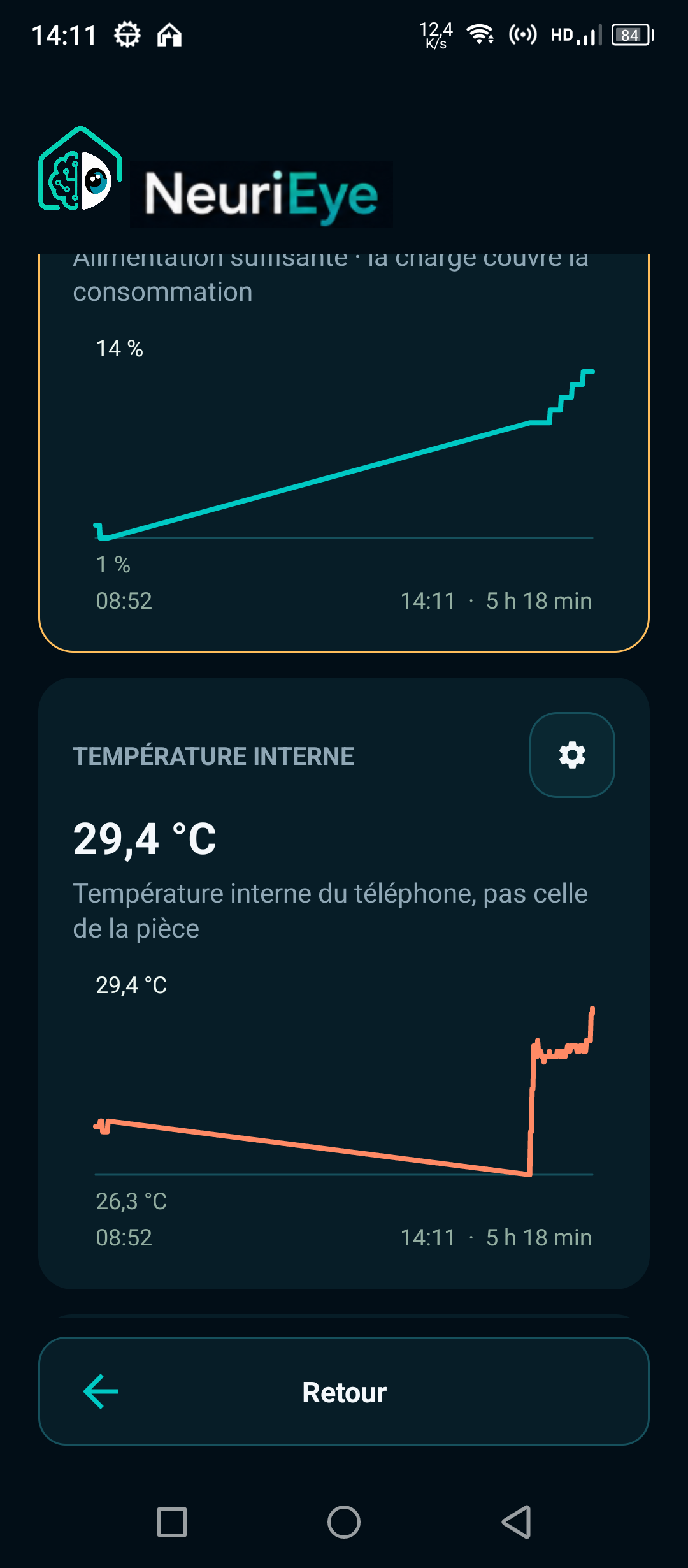
Battery, temperature and storage: check that your camera is ready to keep watch.
Two phones. A simple setup.
Install NeuriEye on two compatible Android phones with an Internet connection. The phone that records becomes the “Sentinel”; the one you keep with you is the “Viewer”.
Install NeuriEye on the phone that will stay in place. Its camera, microphone and sensors become your monitoring station.
Use the same Google account on your main phone. The Sentinel appears automatically and completes the secure connection.
Enable detection, open the live feed, review events and stay in control of who has access.
Your home is not data to share
Photos and videos are end-to-end encrypted. Neuribrain coordinates connections and permissions, but does not store your media. Private keys stay on your devices.
Understand how my data is protected →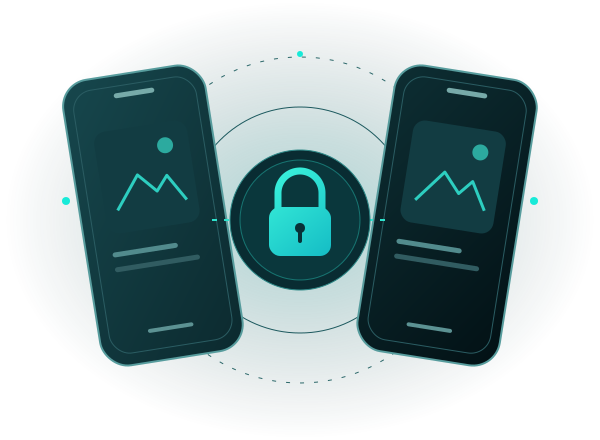
Give it a second life
Three steps to install the beta. Keep this guide open: Google pages open in another tab.
One Google account for all three steps
Choose the account used in this phone’s Play Store. If Google shows another account, switch accounts before continuing.
Your installation steps
Google opens in a new tab. This page stays here to guide you.
Open the test group ↗On Google Groups, look for:
After confirming on Google, return to this NeuriEye tab. Google will not bring you back automatically.
Using the same Google account, open the test page and agree to become a tester. Joining the group does not replace this step.
Enable my beta access ↗When Google shows “You are a tester”, return here to install the app.
Open the Play listing with the account used in the first two steps. You can then choose Sentinel or Viewer inside the app.
Open NeuriEye in Google Play ↗Check that you are signed into the right account and viewing the group’s About page. If you are already a member, go to step 2. If Google only shows “Contact owners”, contact us rather than looking through conversations.
Select your account using the Google profile icon. Also check the active Play Store account: it must match the account used to join the group and enable the test.
Check the account, group membership and test enrollment. Google may take a while to recognize access. Try again later; do not delete your account or a Sentinel to resolve this delay.
If account selection or opening the Play Store does not work, open this site in your usual browser. Direct links remain available at every step.
This guide cannot read your Google account or verify membership. You choose when to continue. No email address is collected here.
You need two compatible Android phones, Google Play and a reliable network connection. Age alone does not tell you enough: the camera, battery and Android settings matter too. Check compatibility.
No, this is a closed beta: issues may still occur. Test your setup on site before relying on it. Your feedback helps us improve NeuriEye.
Contact Pat, the creator of the project: [email protected]. Include your Android model and what you observed, without sending private images.
Put it into practice
Prepare your phone, install NeuriEye and understand where your media goes. Four guides to get started with realistic expectations.
Equipment, placement, detection and checks before you leave.
Read the guide → 02 · InstallBeta access, device roles and your first event.
Follow the steps → 03 · CheckAndroid requirements and a practical way to test your own device.
Check my Android → 04 · UnderstandEncryption, the server’s role, sharing and the limits of local copies.
Understand storage →